
How it works.
How it works.
For Students
For Students
Easy sign in
Easy sign in
Easy sign in
Ludolio is available to you through your university, and is completely free for students.
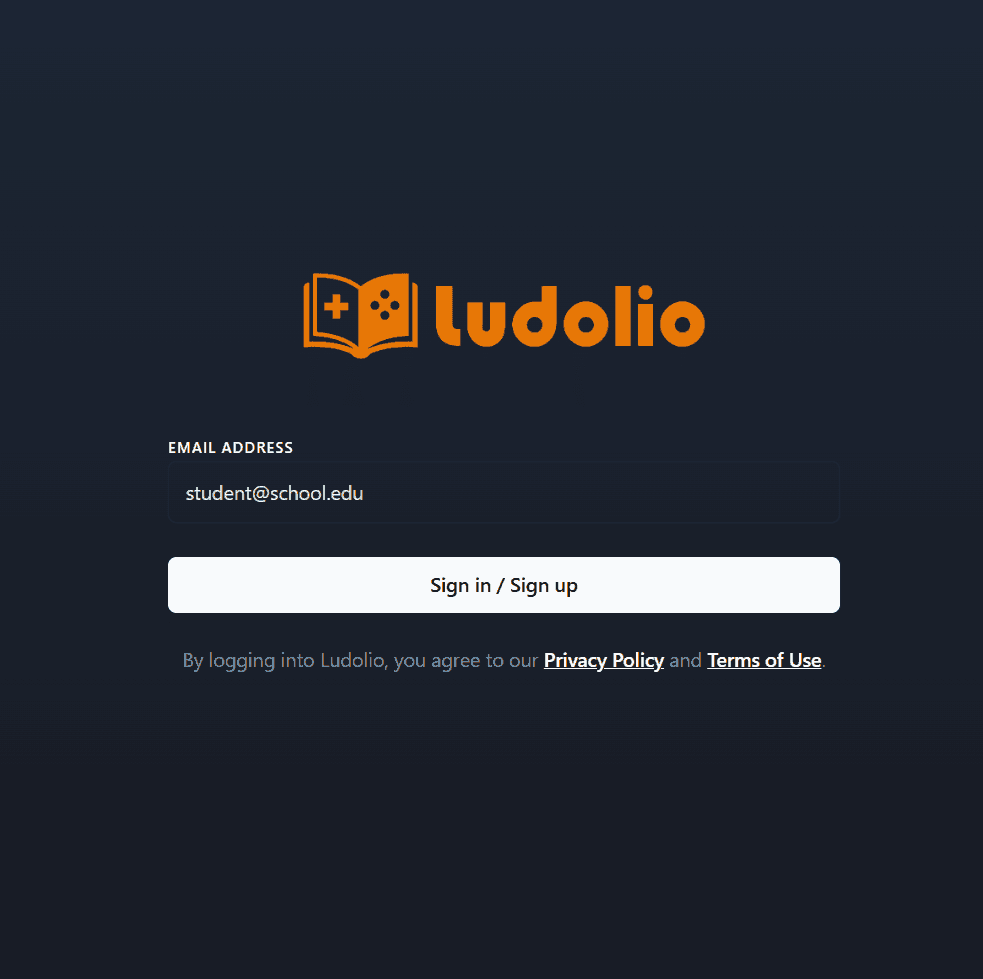
Just download the app using the links above and log in with your institutional email.
Ludolio is available to you through your university, and is completely free for students.
Just download the app using the links above and log in with your institutional email.
Browse & play.
Browse & play.
Browse & play.
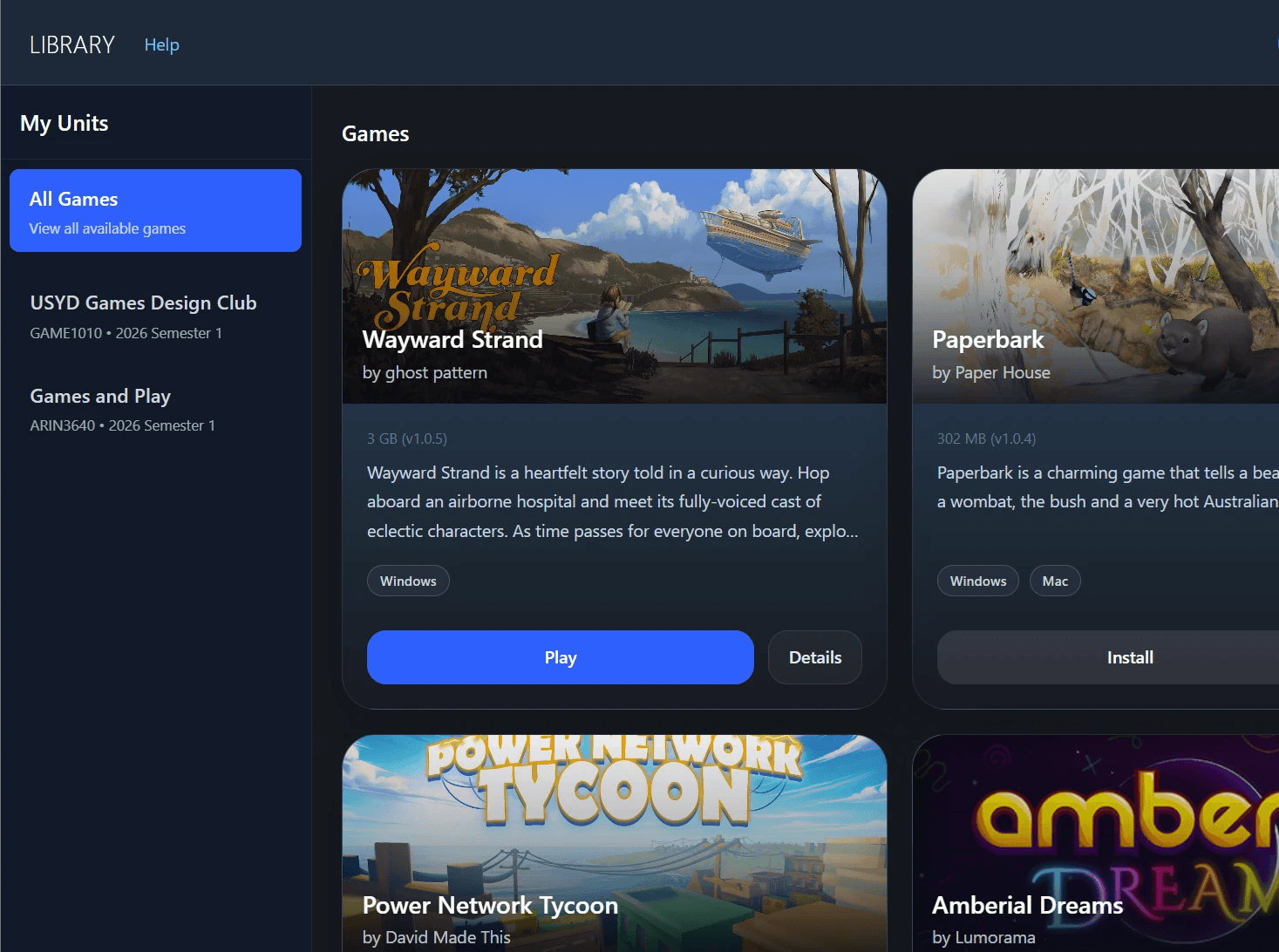
Once you're in, you'll find the games you have access to ready to download and install. Click any title to launch and play.
Once you're in, you'll find the games you have access to ready to download and install. Click any title to launch and play.
Play, explore & learn
Play, explore & learn
Play, explore & learn
The Ludolio collection is a curated set of titles designed to spark discussion and build skills. Play at your own pace, and bring what you discover back to the classroom.
The Ludolio collection is a curated set of titles designed to spark discussion and build skills. Play at your own pace, and bring what you discover back to the classroom.

FAQ
Does Ludolio work on Macs?
Ludolio works on Mac and PC. However, not all games are available on Mac.
How to I create an account?
You do not need to create an account to use Ludolio. Ludolio uses single sign on (SSO) or one-time passwords. When prompted, enter your institutional email address (e.g. student@uni.sydney.edu.au) and check your emails for a one-time password. Once you enter this one-time password, you'll be logged in and have access to the Ludolio library.
How do I know if I have access to Ludolio?
Currently Ludolio is only available at The University of Melbourne and The University of Sydney.
Can I install Ludolio on my personal device?
Yes, Ludolio works on your personal device and on institutional computers. Logging in using your institutional email address verifies what games you have access to, so you can play from anywhere.
