
How Ludolio works at …
Curtin University
Free access to games
Ludolio is available to you through Curtin University, and is completely free for students and staff.
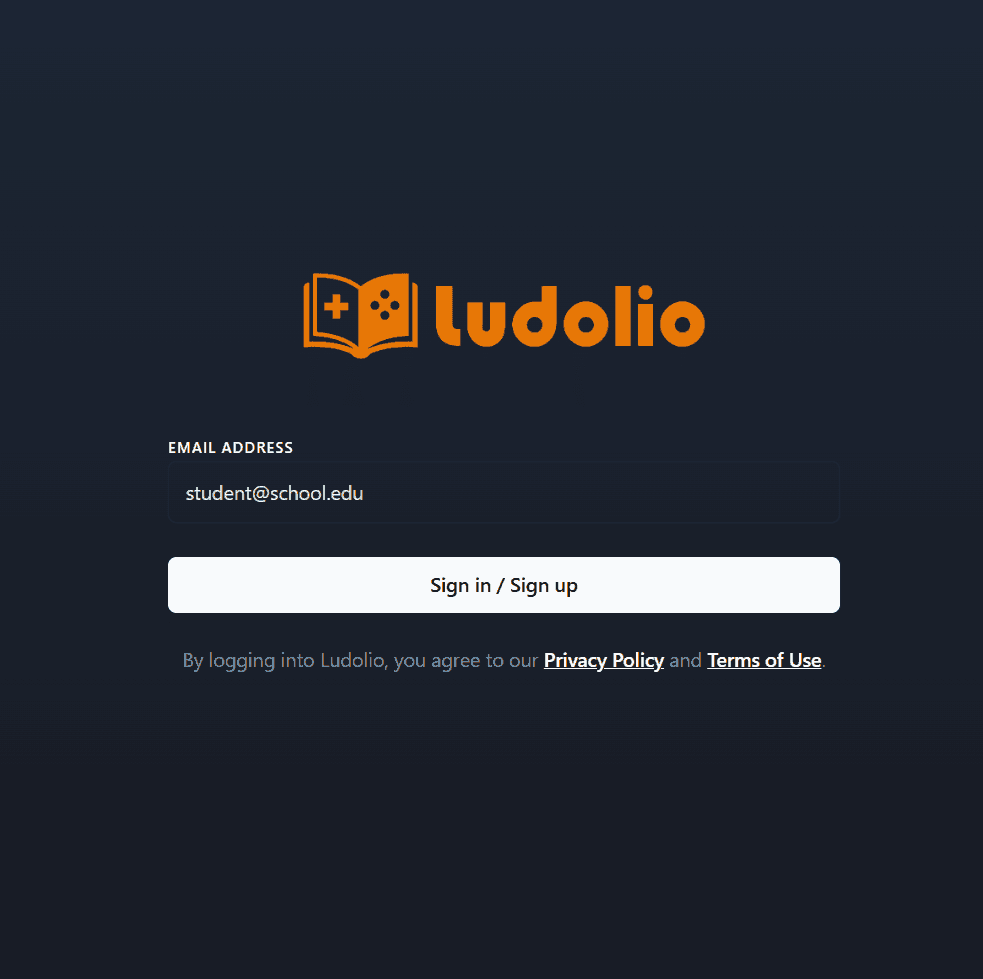
Just download the app using the links above and log in with your institutional email.
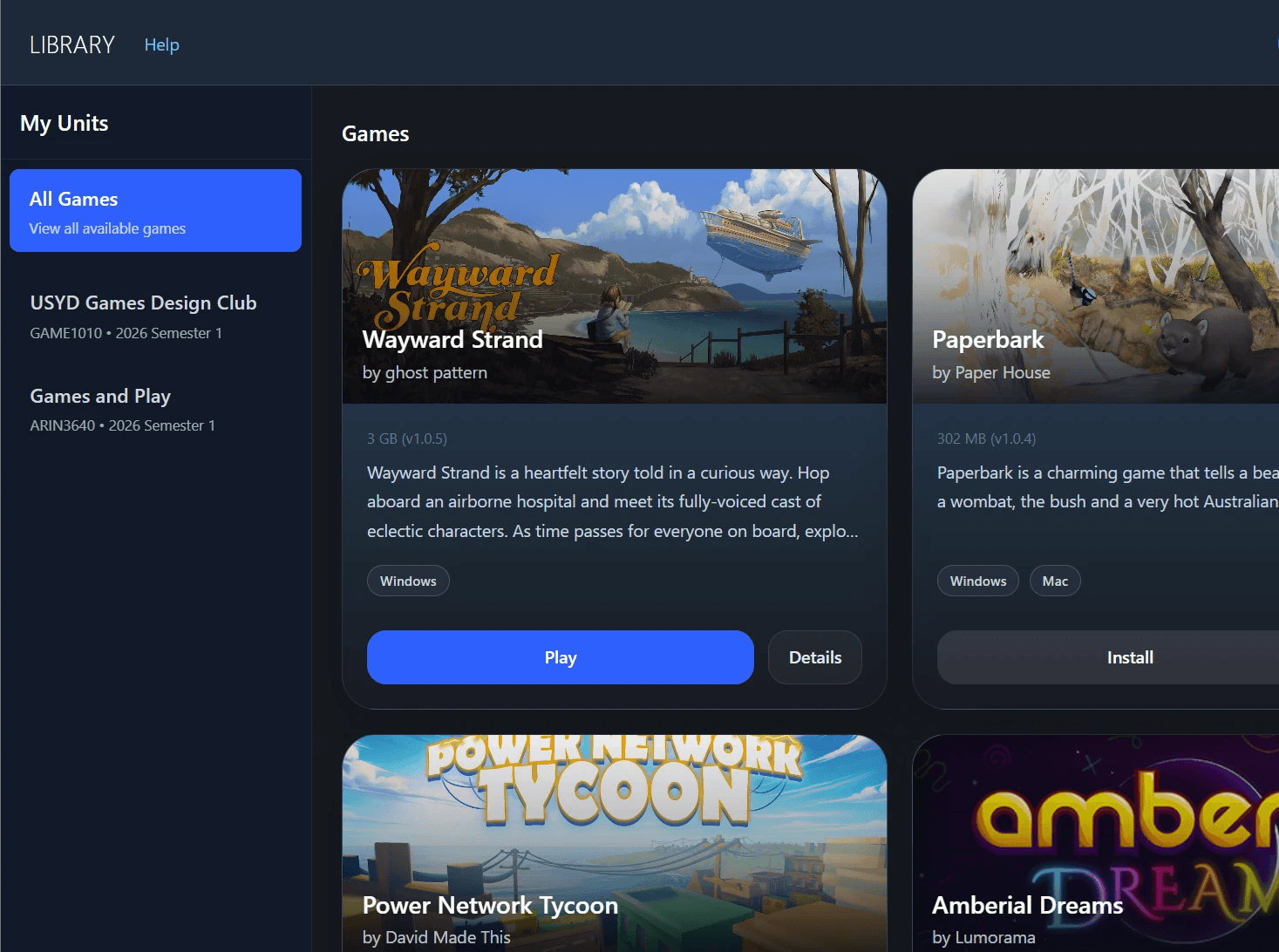
Browse & play.
Once you're in, you'll find the games you have access to ready to download and install. Click any title to launch and play.
Play, explore & learn
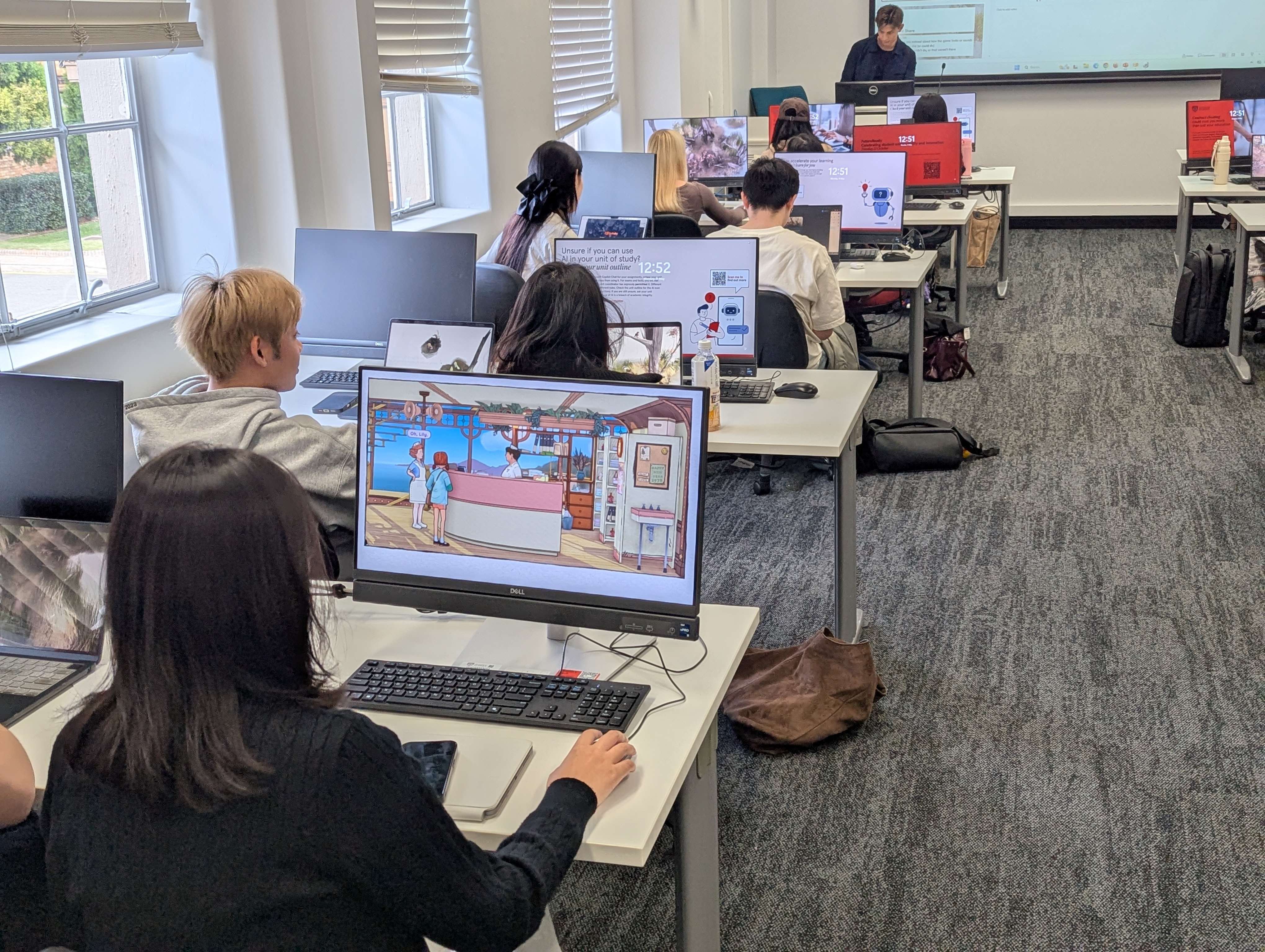
The Ludolio collection is a curated set of titles designed to spark discussion and build skills. Play at your own pace, and bring what you discover back to the classroom.
FAQ
Does Ludolio work on Macs?
Ludolio works on Mac and PC. However, not all games are available on Mac.
How to I create an account?
You do not need to create an account to use Ludolio. Ludolio uses single sign on (SSO) at your University. When prompted, enter your institutional email address (e.g. student@university.edu.au) and you will be redirected to Single Sign On. Once complete, you'll be logged in and have access to the Ludolio library.
How do I know if I have access to Ludolio?
Ludolio is available to all students at Curtin University.
Can I install Ludolio on my personal device?
Yes, Ludolio works on your personal device and on institutional computers. Logging in using your institutional email address verifies what games you have access to, so you can play from anywhere.
Who made Ludolio?
Ludolio is made by University of Sydney academics. If you have suggestions of games for Ludolio, please contact us!
